An offline vault for iPhone
Your private life.
In your pocket.
Passwords, personal notes and photos, together in an encrypted vault on your iPhone. No account to create.
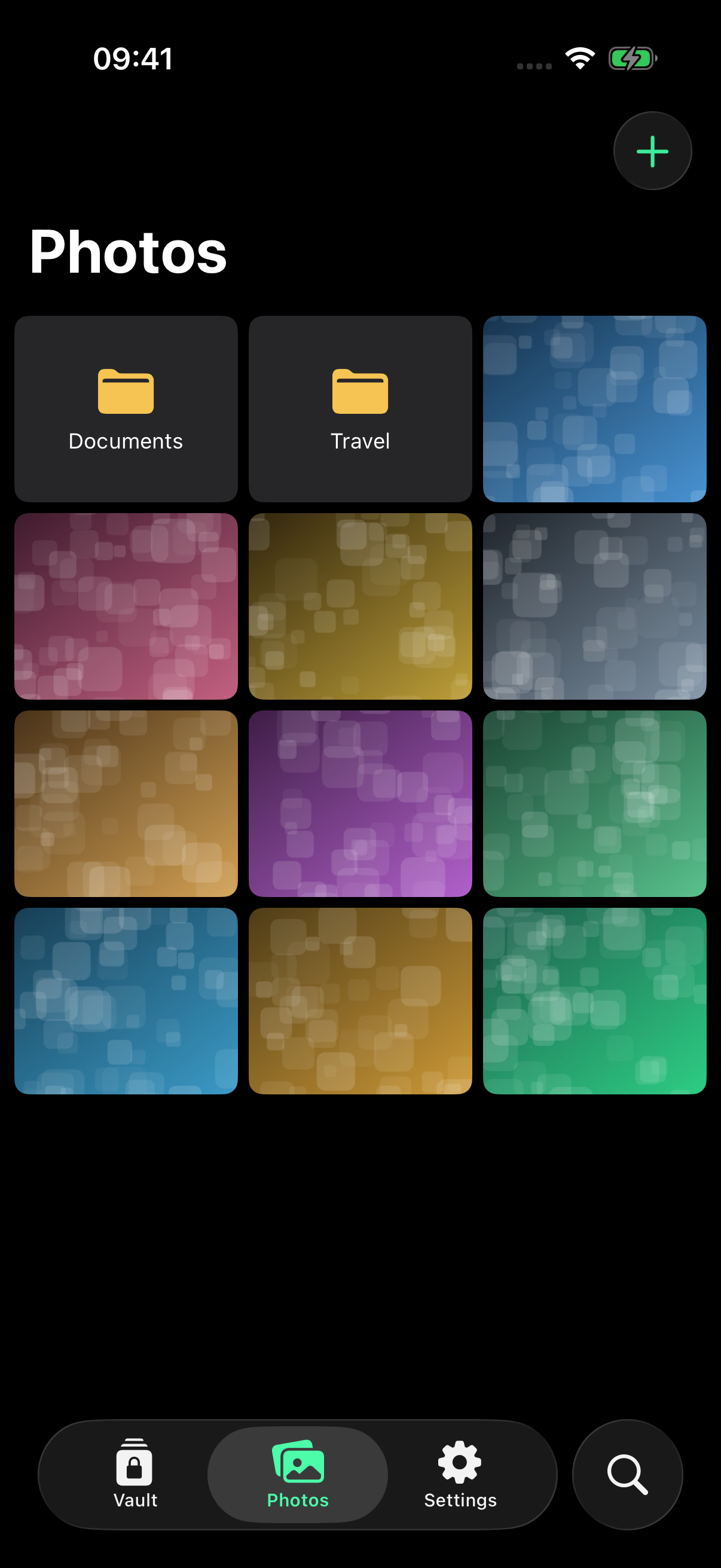
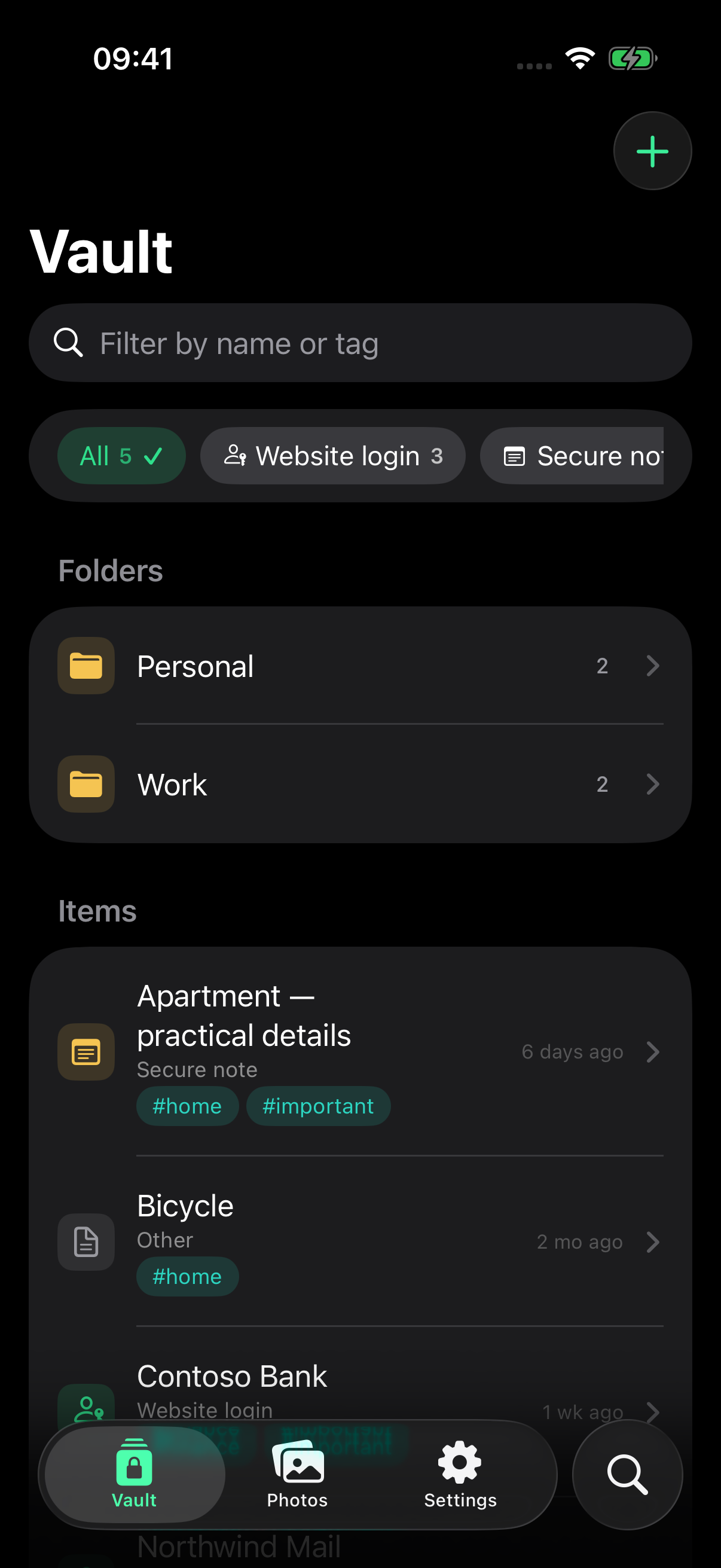
A place for the personal
More than passwords.
Keep it together.
Save website logins, write private notes, add photos and create items with your own fields. Keep secret values hidden until you need them.
Find your own order.
Organize with folders and tags. Keep favorites close, revisit recent items and pick up unfinished edits from encrypted drafts.
Share on your terms.
Share one item in a password-protected file or export an encrypted backup. You choose whether your vault is included in your iPhone backup.
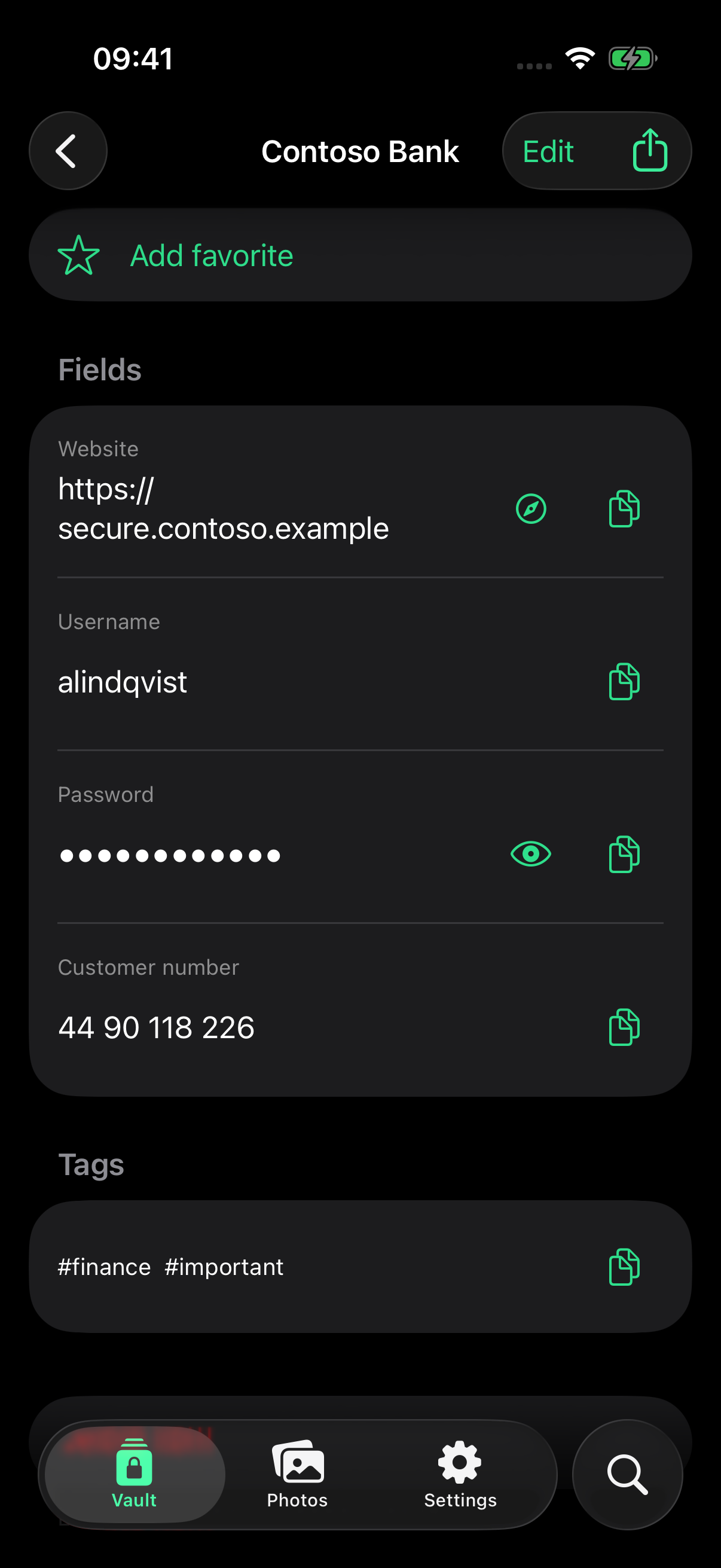
Privacy in everyday use
Local storage.
Clear choices.
Your vault database and images are encrypted with AES-256-GCM. The app works without an internet connection and includes no advertising, analytics SDK or developer-operated cloud sync.
Automatic locking and expiring copied values help limit exposure during daily use. Generate passwords and check for weak or reused ones on your device.
Read how protection works →Before you begin
A few things to know.
Do I need an account or internet connection?
No account is needed to create or use your vault. Core app features work offline. Apple handles downloading the app; visiting this website, contacting support or sending a file through another app may use the internet.
Can you reset my master password?
No. We do not have your master password or a copy of your vault key. There is no account-based recovery. Keep your master password somewhere safe and maintain a backup you can restore.
Does my data ever leave my iPhone?
You can choose to include the encrypted vault in an Apple device backup, export a backup or share an item. Optional Password AutoFill uses a separate encrypted copy on the same device. These choices are explained in the privacy policy.
Is there cloud synchronization?
No. Encrypt My Data is a local vault. Backups are for restoring your data; they do not keep multiple devices synchronized.
Help is here.
Find setup, backup and recovery guidance, or contact us with a question. Please keep passwords and private vault files out of support messages.
Visit support →